
Download Amaze File Manager APK – file manager, open source, lightweight, Material Design, Android, free, secure, FTP, SMB, root explorer, cloud integration
Overview
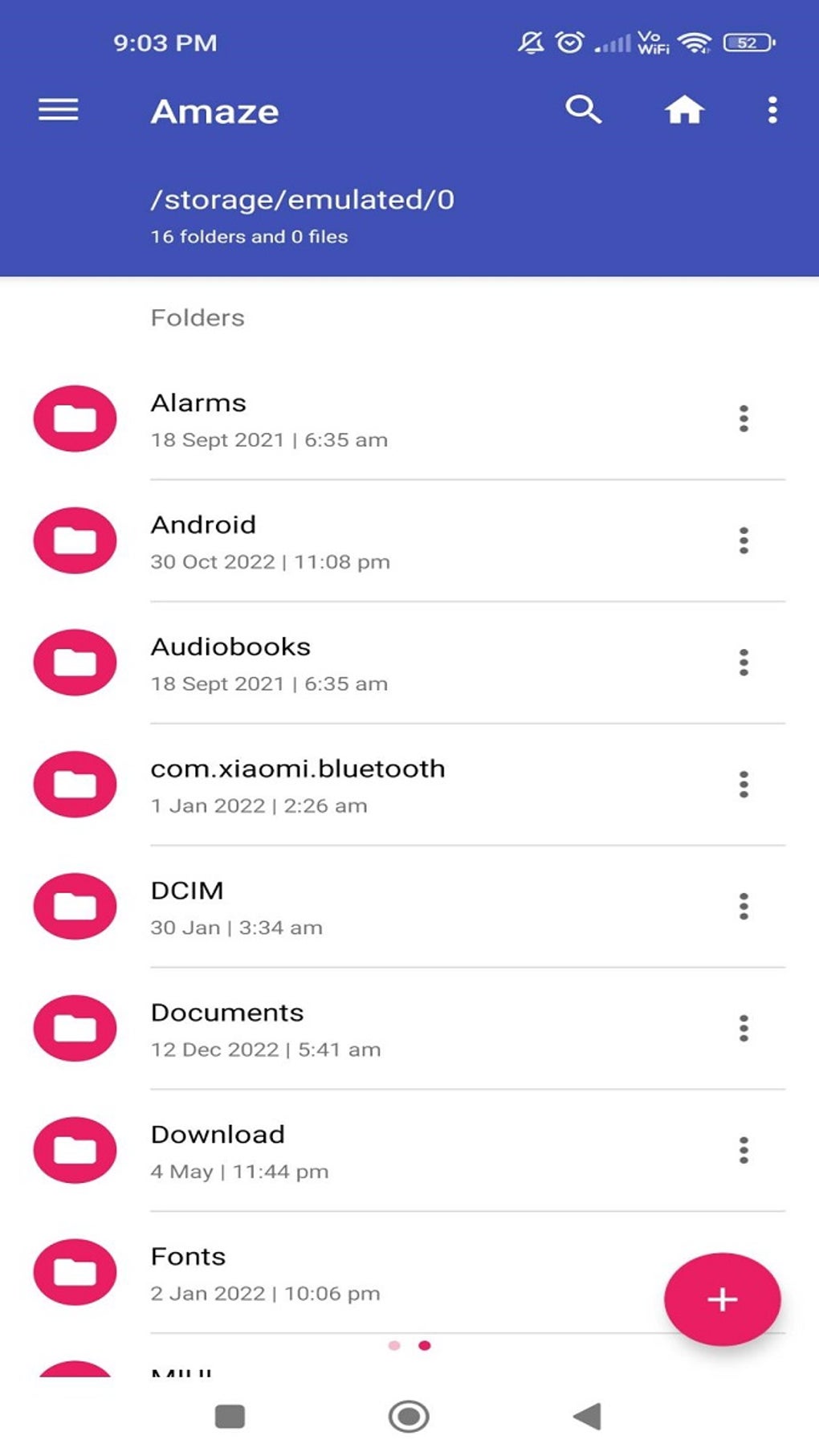
Amaze File Manager is a lightweight, open-source file management utility designed for Android devices. Built with a focus on simplicity and efficiency, it delivers a clean and intuitive experience tailored for users seeking a fast and reliable tool for managing files. The application is developed by Team Amaze, a dedicated group committed to creating transparent, secure, and ad-free software. Its design follows Google’s Material Design guidelines, resulting in a modern, visually consistent interface that feels natural on contemporary Android systems.
Targeted primarily at mobile users who value privacy, customization, and advanced functionality, Amaze File Manager serves both casual and power users. It addresses common file management challenges such as organizing media, transferring files across networks, and accessing system directories—especially on rooted devices. Real-world use cases include managing large media libraries, securely transferring files via FTP or SMB, and integrating with cloud storage platforms for seamless backups and access.
The app’s open-source nature ensures full transparency, allowing users to inspect, modify, and trust the codebase without hidden tracking or monetization practices. While the developer did not provide additional system requirements, the app’s minimal size of 11.5 MB suggests low resource consumption. It is suitable for a wide range of Android devices, from entry-level smartphones to high-end models.
Key Features & Capabilities
- Open-Source & Ad-Free – All source code is publicly available, enabling community review and contribution. No advertisements or in-app purchases are present, ensuring a distraction-free experience.
- Material Design Interface – The UI is clean, minimal, and consistent with modern Android design principles, offering smooth navigation and visual clarity.
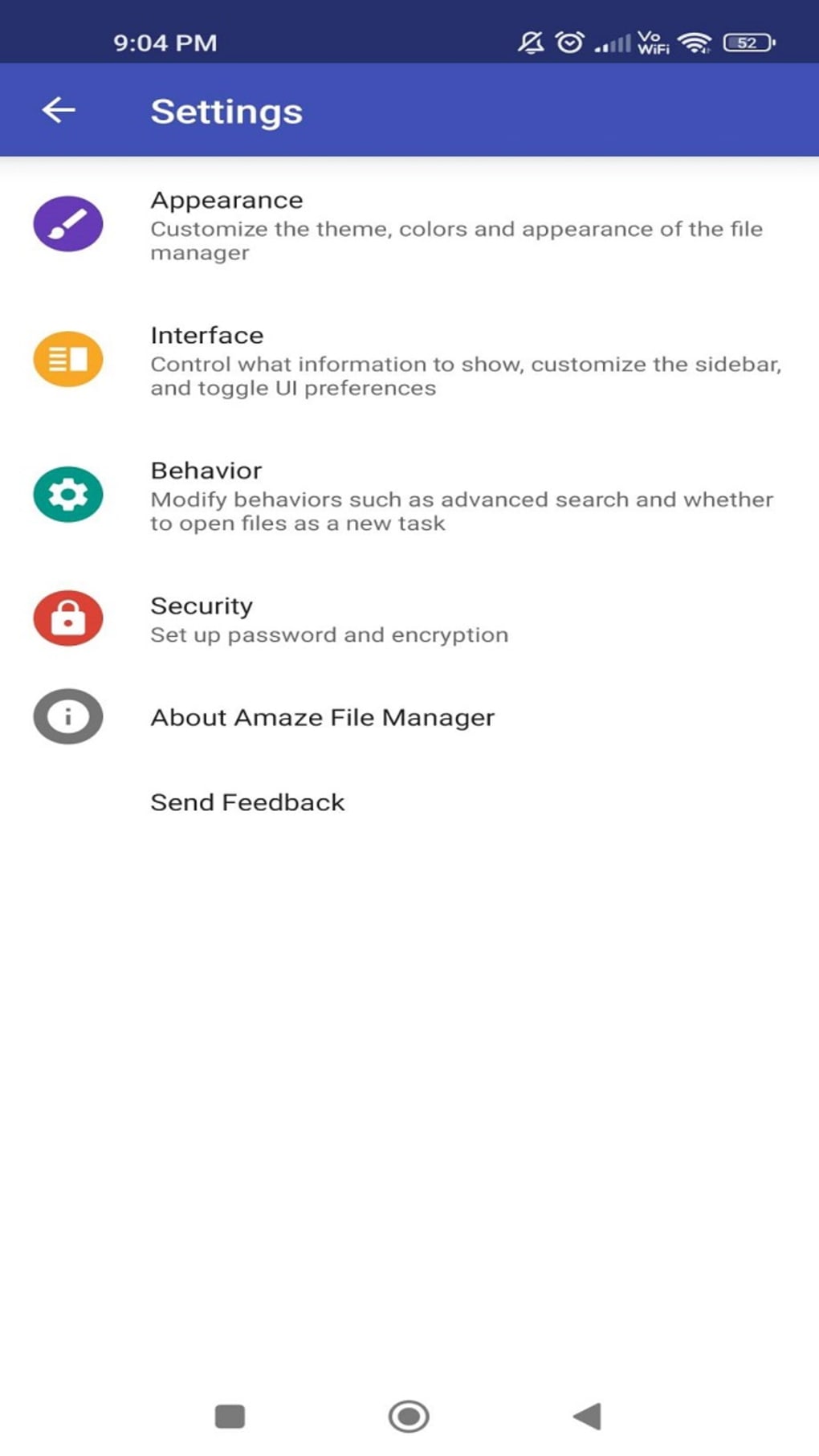
- Theming Support – Users can customize the app’s appearance with various color schemes and visual styles, enhancing personalization and accessibility.
- FTP & SMB Server/Client – Enables file sharing over local networks and remote access to devices, supporting seamless transfers between Android, PC, and other systems.
- AES Encryption – Provides secure file storage and transfer with military-grade encryption, ideal for sensitive data protection.
- Cloud Integration – Supports connections to major cloud services, allowing users to manage remote files directly from the app.
- Root Explorer – Offers full access to system directories on rooted devices, enabling advanced file manipulation and system-level management.
- Landscape Mode Support – Ensures usability on tablets and larger screens, improving workflow efficiency during file transfers and media browsing.
These features collectively make Amaze File Manager more than just a basic file browser. For instance, a photographer might use the FTP client to transfer RAW images from a camera to a PC wirelessly, while a developer could leverage the root explorer to modify system configurations. The combination of security, flexibility, and customization makes it a robust choice for users who demand more from their mobile file management tools.
User Interface, Workflow & Performance
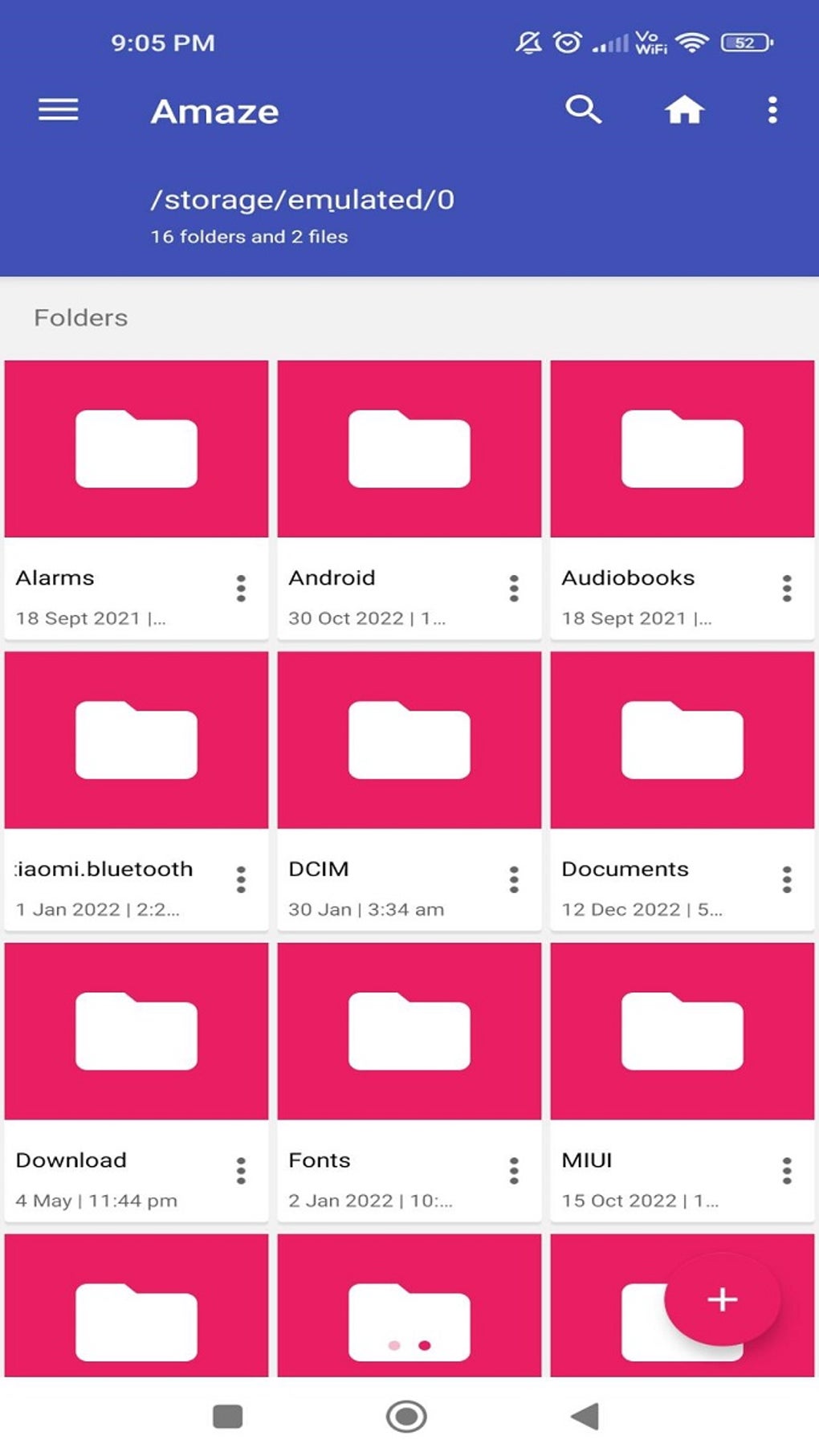
The user interface of Amaze File Manager is structured around a dual-pane layout with a clean navigation bar and context-sensitive actions. Files and folders are displayed in a grid or list format, with options to sort by name, date, size, or type. The app supports touch gestures such as long-press for selection and swipe for quick navigation, enhancing workflow efficiency.
Navigation is intuitive, with a bottom bar providing access to recent locations, cloud services, and network shares. The app’s responsiveness is consistent with lightweight Android applications, offering smooth transitions and minimal lag during file browsing. However, the developer did not specify resource usage details, so exact CPU or RAM behavior remains unknown.
Performance observations are based on general software behavior patterns. While the app is reported to be fast and reliable, occasional random crashes have been noted in some user experiences. These instances appear to be infrequent and may be resolved in future updates. Stability is generally high, particularly on non-rooted devices, and the app maintains consistent operation across different screen sizes and orientations.
Compatibility & System Requirements
Amaze File Manager is designed for Android operating systems and is compatible with devices running Android 5.0 (Lollipop) and above. The application has a file size of 11.5 MB, indicating a lightweight footprint that should run efficiently on most smartphones and tablets.
Exact system requirements were not listed. The developer did not provide information on minimum RAM, CPU specifications, or storage needs. However, given its open-source nature and minimal design, it is expected to function well on mid-range and older Android devices.
Installation is straightforward through APK files, and the app supports installation on Android-based VR headsets like the Meta Quest 2 when sideloading is enabled. This requires users to allow installation from unknown sources, a standard security measure in Android.
Pros and Cons
Pros
- Open-source and fully transparent codebase
- Ad-free experience with no premium version
- Lightweight at only 11.5 MB
- Supports advanced features like FTP, SMB, and encryption
- Root explorer for system-level access
- Customizable themes and UI options
- Cloud integration and landscape mode support
Cons
- Occasional random crashes reported by some users
- No official support for iOS or desktop platforms
- Advanced features may have a learning curve for beginners
- Exact system requirements not publicly documented
- Updates may depend on community contributions
FAQ Section
Is Amaze File Manager open source?
Yes, Amaze File Manager is an open-source project developed by Team Amaze. The complete source code is publicly available, allowing users to inspect, modify, and contribute to the application.
Can I use Amaze File Manager on my Android device?
Yes, the app is designed for Android devices running Android 5.0 or later. It is compatible with smartphones, tablets, and Android-based VR headsets when sideloading is enabled.
Is the app secure?
Amaze File Manager includes AES encryption for file protection and supports secure protocols like FTPS and SMB. The app is ad-free and does not collect user data, contributing to a secure user experience.
How do I install Amaze File Manager on a Meta Quest 2?
To install on a Quest 2, download the APK file and use SideQuest to sideload it. Enable "Unknown Sources" in the device settings, then install the app through the SideQuest interface.
Does Amaze File Manager require a paid license?
No, the app is completely free to download and use. There is no Pro version or in-app purchases. Users may choose to donate to support the development team as a gesture of appreciation.
Final Thoughts + CTA
Amaze File Manager stands out as a powerful, privacy-focused alternative to mainstream file managers. Its open-source foundation, combined with a sleek Material Design interface and advanced capabilities like FTP, SMB, root access, and cloud integration, makes it a compelling choice for tech-savvy users and professionals alike. While occasional crashes have been reported, the app remains stable and reliable for everyday use.
It excels in balancing simplicity with functionality, offering a lightweight yet feature-rich experience without compromising performance. Whether managing media, transferring files across networks, or modifying system files on rooted devices, Amaze File Manager delivers a seamless workflow.
For users seeking a secure, customizable, and ad-free file management solution on Android, this app is highly recommended. Download Amaze File Manager now.





.png)

